


100% In-Browser Privacy • Zero Server Uploads

Turn Any Image Into a Coloring Page

Convert your images into clean, printable SVG coloring pages — directly in your browser.

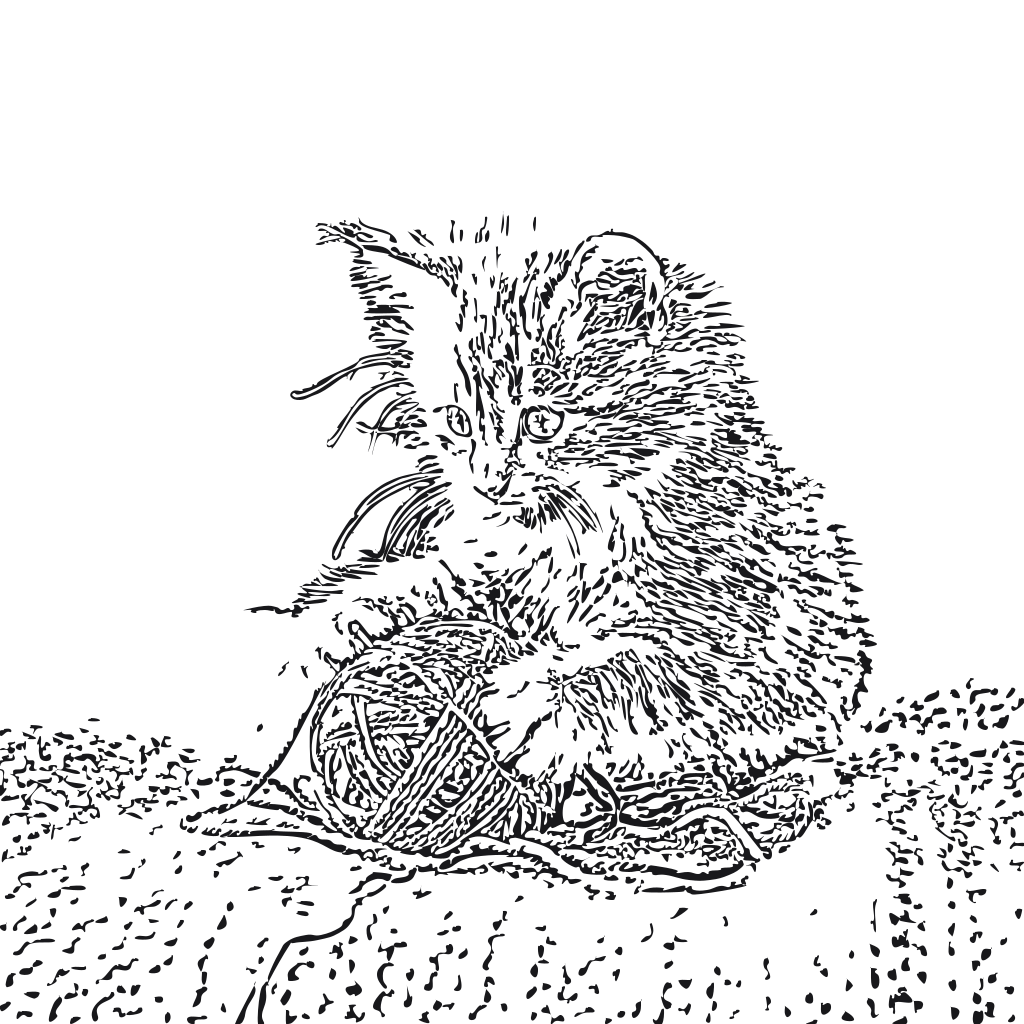
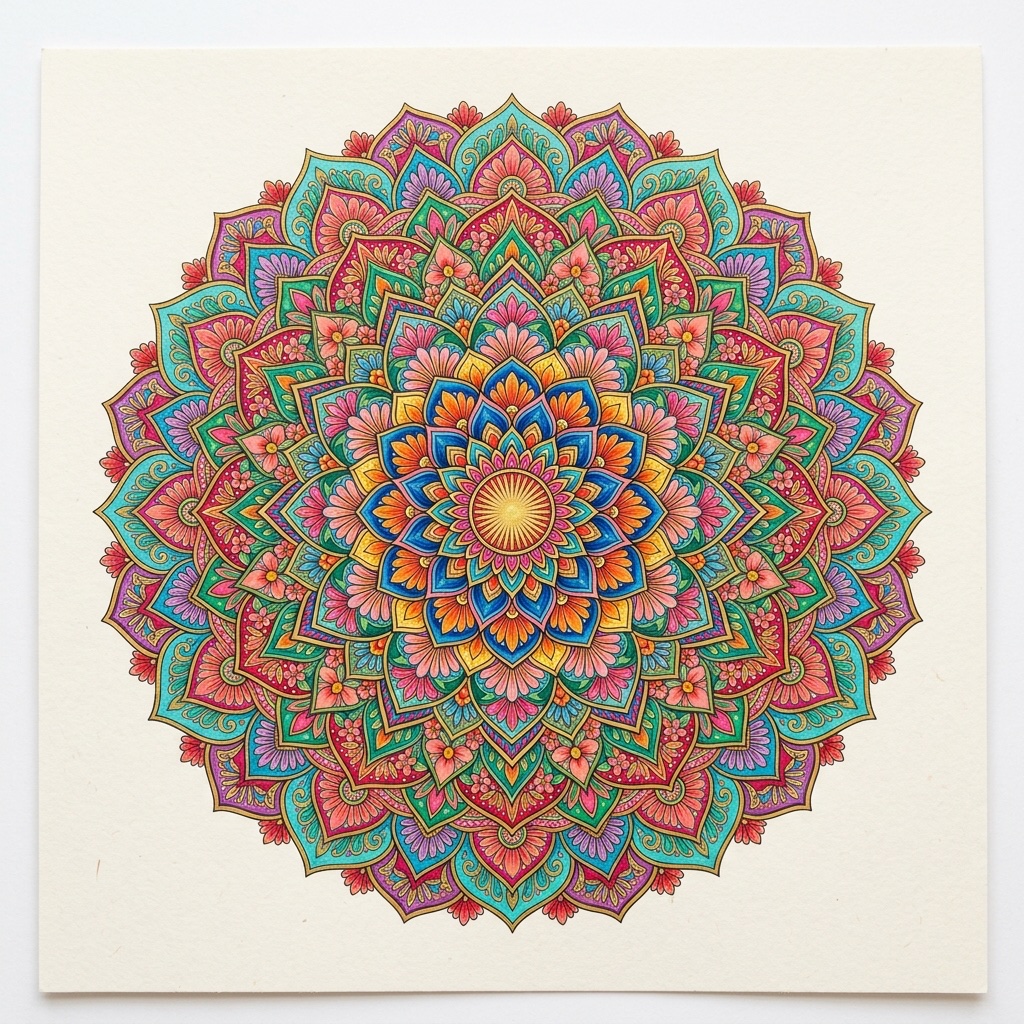
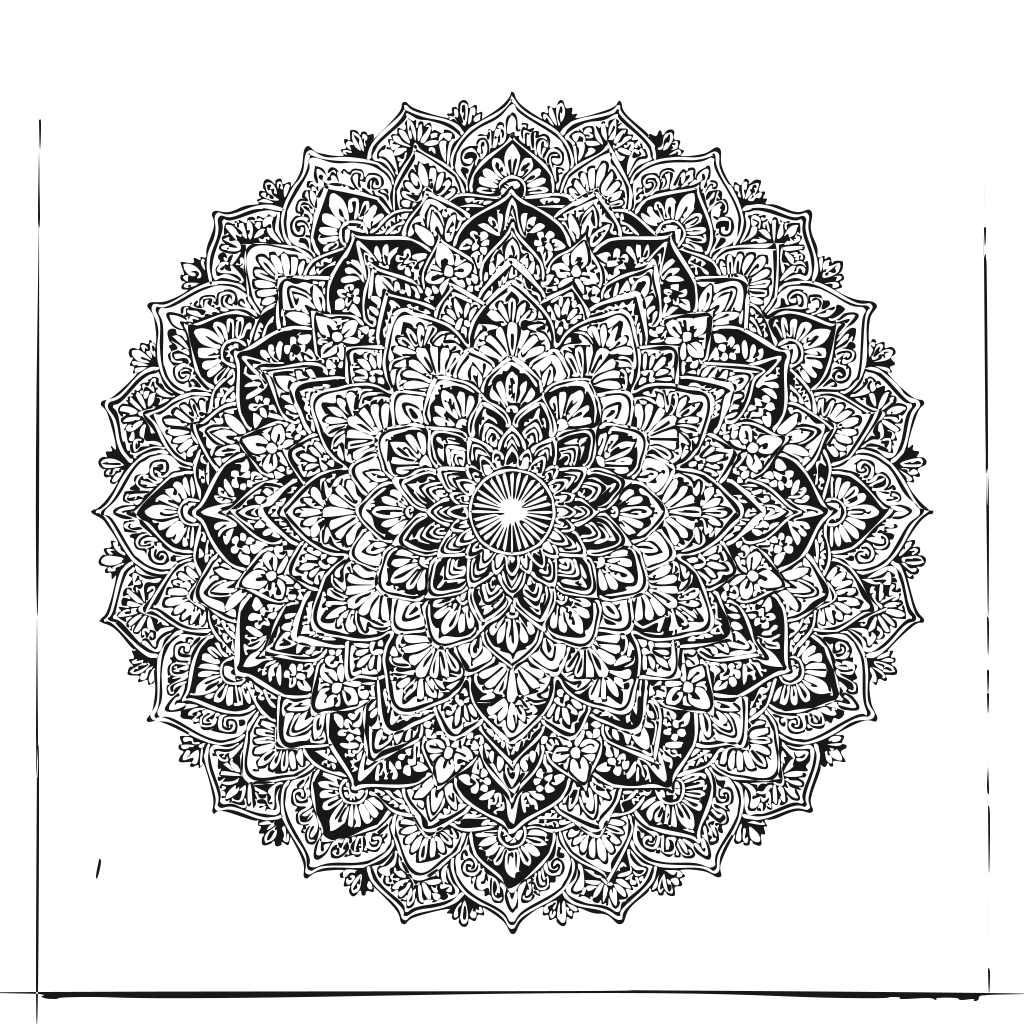
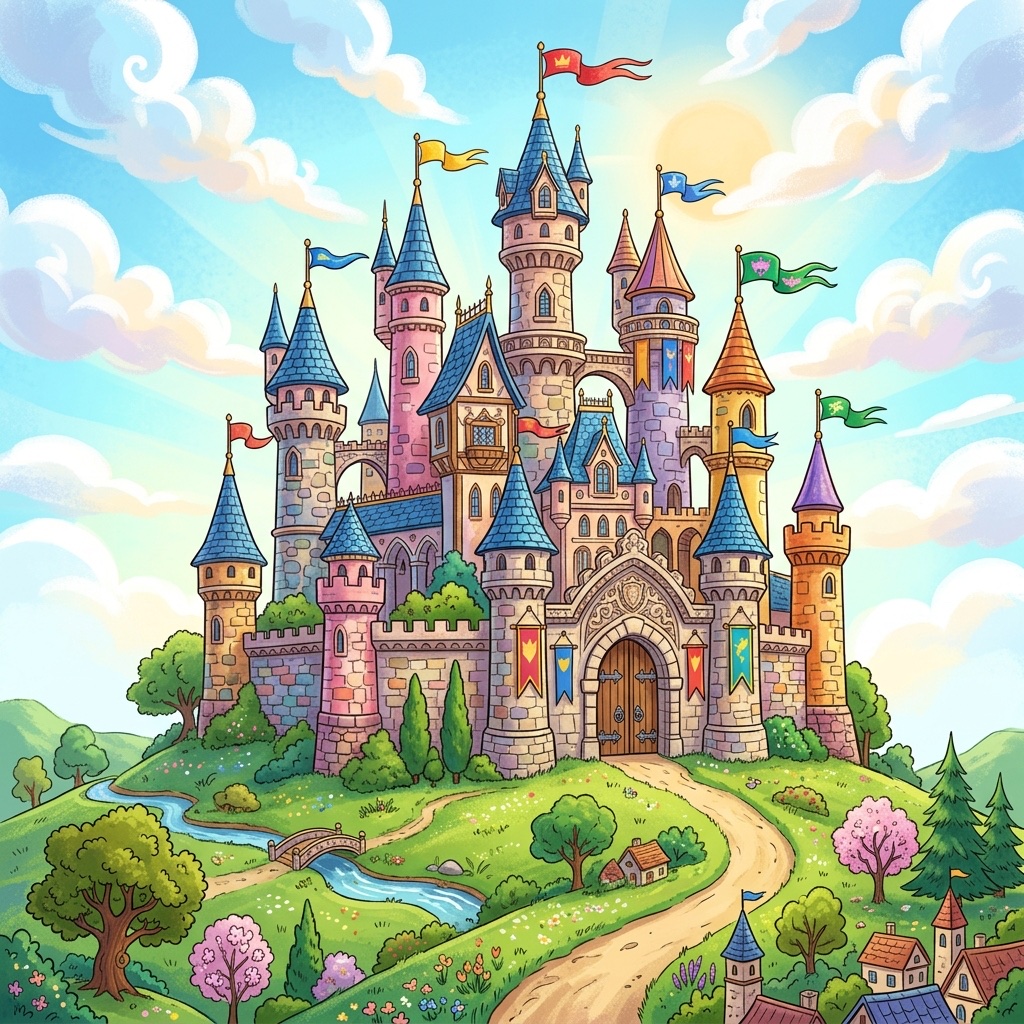
Try Sample Images
100% client-side No upload Free

Drop an image here

or choose an image from your device

JPG JPEG PNG WEBP
Your image never leaves your device.

Conversion Settings

Fine-tune your coloring outline style

Simple Detailed
Clean Outlines Fine Textures
Balanced
Lighter Darker
100%
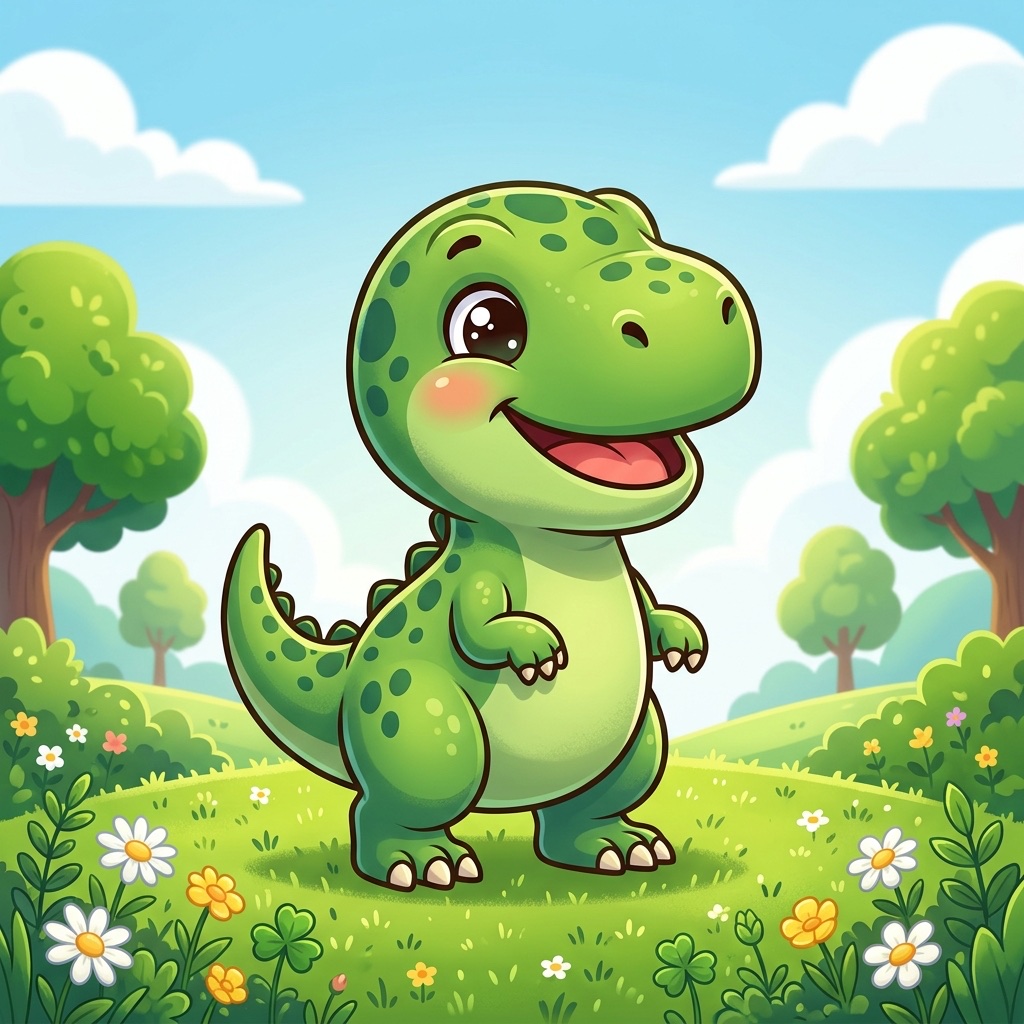
Original Image
Original input preview
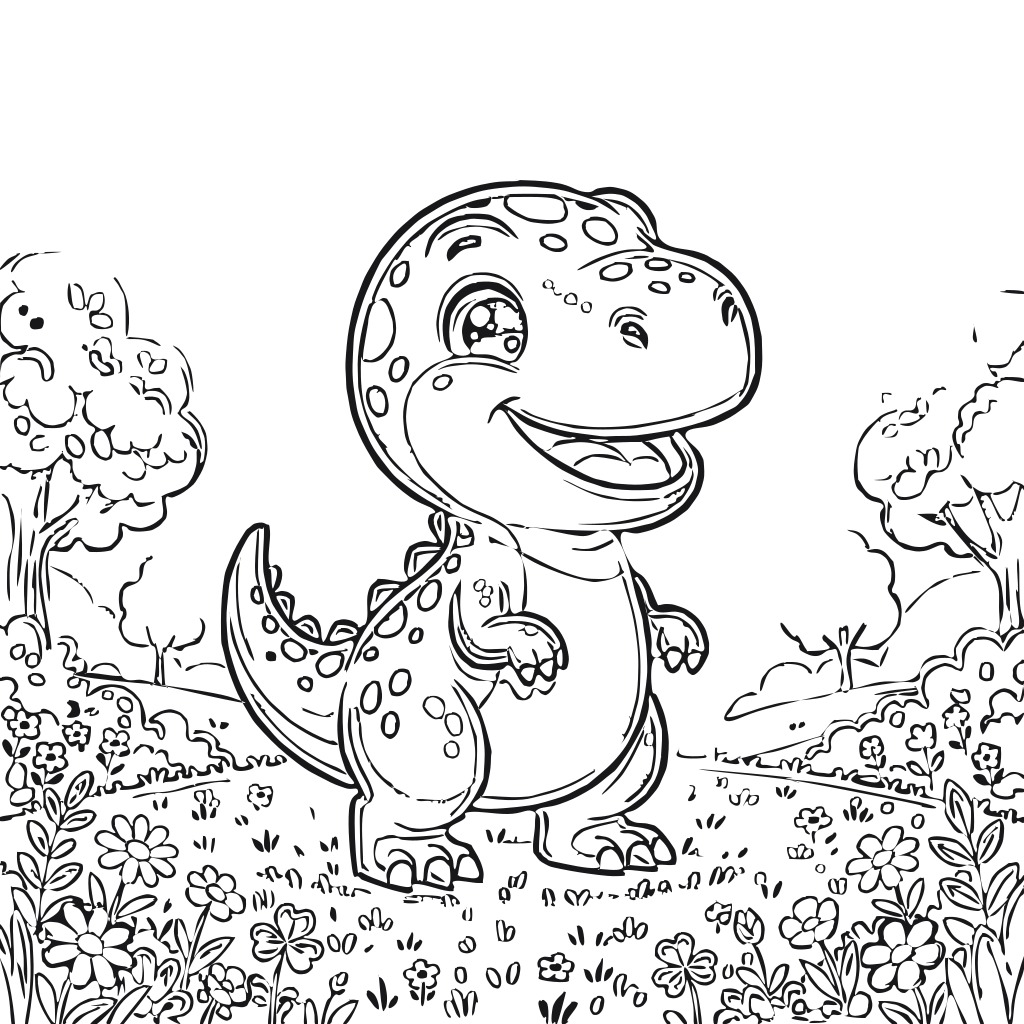
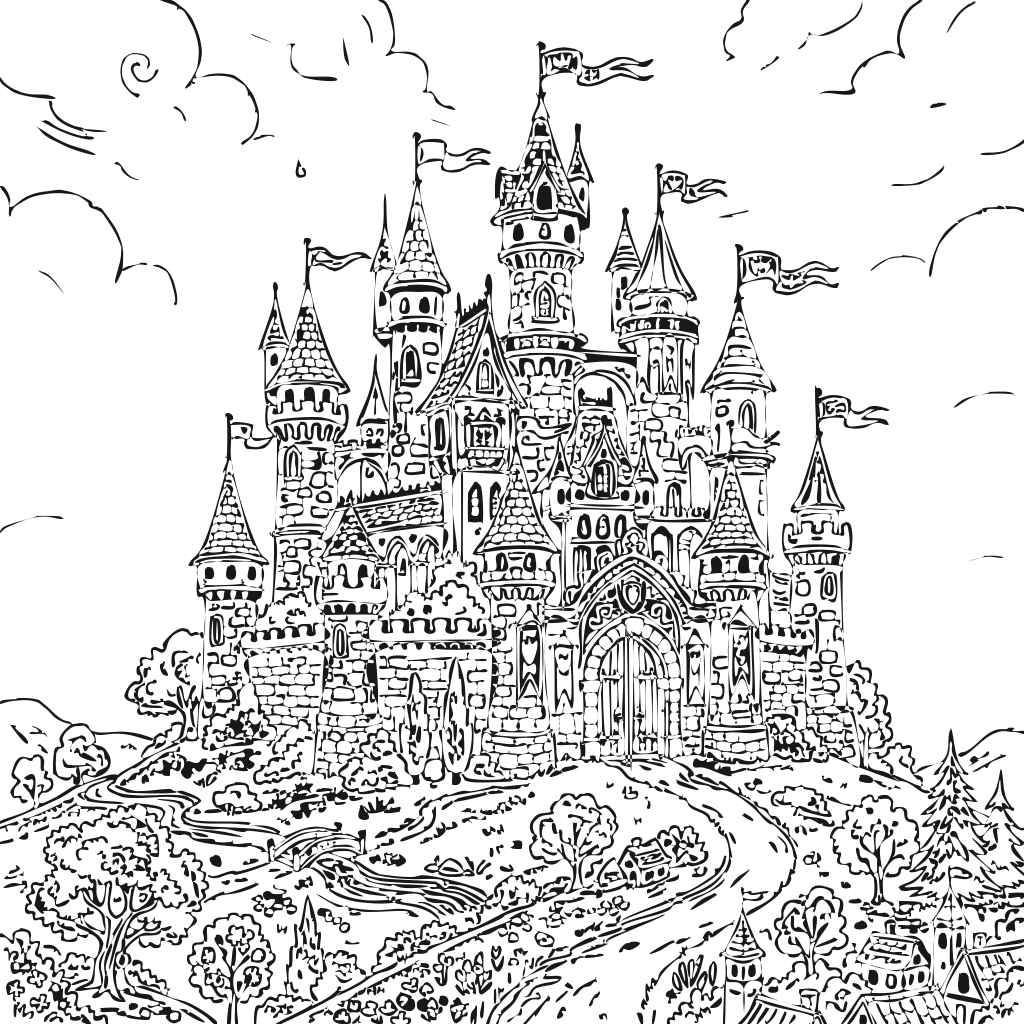
Coloring Page (SVG)
Ready to color & print Paths: 24 Speed: 82ms
100% Client-Side Architecture

Your images stay on your device.

“Images are processed locally in your browser and are never uploaded to our servers.”

Zero Cloud Uploads

Images are converted directly in your browser memory using HTML5 Canvas & Web Workers.

No Databases or Accounts

No sign-in, cookies, tracking IDs, or server storage. You own 100% of your images and artwork.

Works Offline

Once loaded, the converter runs even with no active internet connection.

Guide & Workflow

How to Turn an Image Into a Coloring Page

Converting personal photographs, digital sketches, or drawings into clean printable coloring pages is effortless with Coloring SVG. The entire pipeline happens inside your browser in four simple steps:

1

Upload Your Picture

Drag and drop any JPG, PNG, or WebP file, or paste an image from your clipboard. High-contrast photos with distinct subjects work best.

2

Fine-Tune Outlines

Adjust the Detail, Threshold, and Line Thickness controls to get clean black outlines and eliminate unwanted noise.

3

Color in Browser (Optional)

Switch to Coloring Mode to click or tap any enclosed region with vibrant preset colors or custom shades, with full undo/redo.

4

Download or Print

Download your scalable vector SVG for infinite resolution printing, save a crisp high-res PNG, or print directly onto paper.

Vector Technology

What Is an SVG Coloring Page?

Most image converters produce raster files (like PNG or JPG), which are made of a fixed grid of pixels. When you zoom in or print a raster coloring page on large poster paper, the edges become jagged, blurry, or pixelated.

An SVG (Scalable Vector Graphics) coloring page consists of mathematical Bézier curves and geometric paths rather than pixels. This brings crucial advantages:

  • Infinite Scalability: Print at letter size, A4, or an enormous billboard banner with razor-sharp black lines.
  • Vector Editing: Open the SVG in Adobe Illustrator, Inkscape, or Cricut Design Space to tweak paths, change line weights, or laser cut outlines.
  • Smart Enclosed Regions: Each interior area is bounded as an independent fillable vector element, enabling clean bucket fills.
Security & Privacy

Why Process Images in Your Browser?

Most web utilities send your uploaded family photos, pet pictures, and personal artwork to remote cloud servers for processing. This creates significant privacy and data-storage concerns.

With Coloring SVG, our conversion algorithms run directly on your device's CPU using client-side Web Workers and HTML5 Canvas. Your images are never transmitted over the internet, never saved in a database, and never viewed by anyone else. Once the page is loaded, you can even disconnect from Wi-Fi and continue converting images completely offline.

Got Questions?

Frequently Asked Questions

Everything you need to know about browser-based SVG vectorization and coloring.

Can I convert JPG to SVG?

Yes! You can upload any standard JPG or JPEG photograph or drawing. The tool automatically detects edges, isolates contours, and converts the picture into clean vector SVG paths.

Can I convert PNG to SVG?

Yes, PNG files (both opaque and with transparent backgrounds) are fully supported. Transparent areas are automatically recognized as clean white coloring space.

Is this tool free?

Yes, Coloring SVG is 100% free with no subscriptions, no credit card, no daily limits, and no watermarks on your generated coloring pages.

Are my images uploaded to any server?

Never. Your photos never leave your device. All image processing, edge detection, and vector tracing execute locally in your web browser via Web Workers and HTML5 Canvas.

Can I print the coloring pages?

Absolutely. You can click the "Print" button for an auto-formatted 8.5x11 / A4 printable layout, or download the SVG or PNG file and print from any application.

Can I edit the generated SVG in Illustrator or Inkscape?

Yes! The downloaded SVG contains standard vector path geometry (<path d="M..."/>) with separate outline and region layers, making it fully editable in Adobe Illustrator, Inkscape, Figma, or Cricut Design Space.

Does it work on mobile phones and tablets?

Yes, Coloring SVG is mobile-first and fully responsive. You can snap a photo directly with your iPhone or Android camera, convert it, color with your fingers on screen, and save.